Back a while back I posted up a brief run down on an Asus Chromebook that happened to be in a stack of “broken” laptops I purchased. When I received it, the Chromebook had a cracked screen and was locked by the previous owner. As I was still new to the idea of a Chromebook (and did not want to try and hack into the thing) I went looking for some kind of option to wipe out the already existing stuff without needing a user password; sort of like the reset function in Windows. To my relief (and surprise) this reset existed as a function called “Powerwash” … a fancy name for a Factory Reset.
For this post I am not going to dive into the how-to of the process; the Chromebook I have is fairly old, the OS is no longer supported, and how-to is not the purpose of what I am testing here. As a reference or if someone those curious, the documentation is located here. The real reason for writing this was really just to see how much if a wash actually removed all the personal data off the machine.
The original plan was originally concocted back just after I finished up the course on using Autopsy forensics software back in around 2019 (see what I meant about backlog piling up …). Autopsy does not have a way .. natively .. to gather info from Chromebook – the machine runs completely off soldered on storage, so off to find another way to grab the info. A quick search later and I stumbled onto Magnet Forensics, it was free and looked simple enough to do what I was needing.
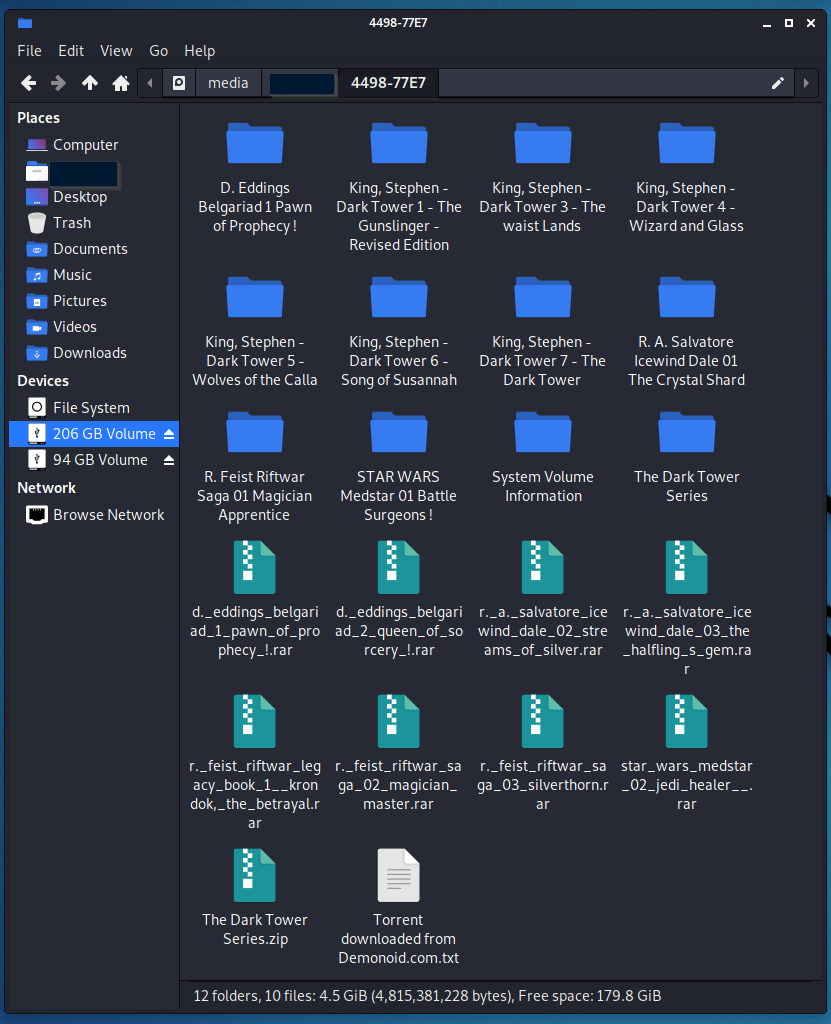
Basically, following the instructions would put the machine into a “recovery state” then this tool, housed on a USB drive, would come in and grab up all the data and drop it onto a part of USB that could be read from another computer. Simple enough. I browsed a few sites, downloaded a few files, and edited a few things on the Chromebook then followed the steps in the documentation. The trickiest part was getting the Chromebook into recovery mode, done by a key combination that has to be pressed at just the right time. After running the tool the first time, I ran the powerwash recovery on the Chromebook and then ran the recovery tool again, using a second USB drive.
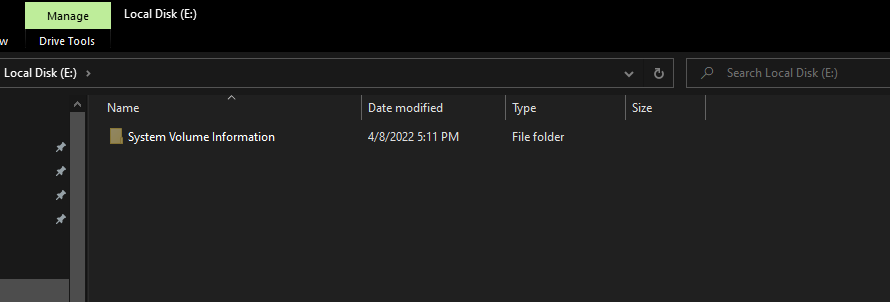
Once I copied off the recovered data, it was pretty obvious that data was cleaned in the process seeing as the file with data (pre-clean) was 411MB and after clean was 7KB. Seeing this difference I thought I would just expand these compressed files and compare the results .. no need to go much father than a folder comparison.


So, nothing more to say .. Powerwash cleaned up the user data .. at least enough that the casual buyer would not be able to get data off the machine if someone were to sell it later.