A quick disclaimer to start off – this is not an in depth examination or review of Qubes OS. Qubes OS has a picky list of requirements that most people would not be looking for. Instead, this just my experiences and neat things I tried while taking the OS for a test drive.
Qubes OS, “A reasonably Secure Operating System” as the distro’s website declares, is a privacy and security focused operating system which heavily leverages (Xen) virtualization technology to isolate critical OS components to reduce the chances of the whole system being compromised. In other words, the virtualization technology of Xen provides the ability to used trusted environments for things like online banking or working from home and also create temporary (or untrusted) environments that provide a clean slate without the risk information being spread preventing shady websites from drop malicious browser plugins or scrape session tokens to hijack a Discord account.
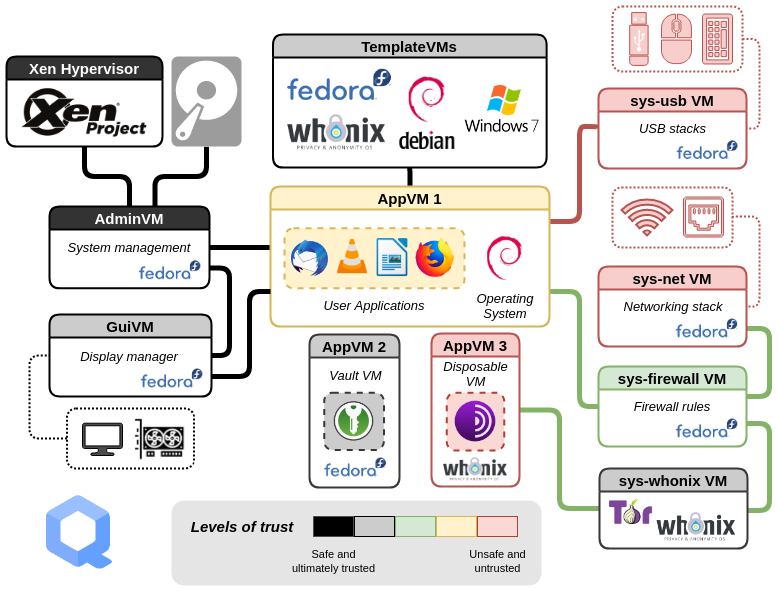
Below is a diagram borrowed from the Qubes OS site describing how it all works .. which can be a little complicated. The key part of the diagram is that everything is separated from everything else mostly. A thumb drive that is plugged in does not get to talk to the network or the hypervisor (the thing that runs the show) because that drive is isolated to its own little world. There are actions that allow you to share things like files and hardware between qubes, but out of the box you have to consciously click the actions to share (like send file you downloaded in a personal qube to save long term in the vault qube).
That isolation of components opens the door for some cool tricks.
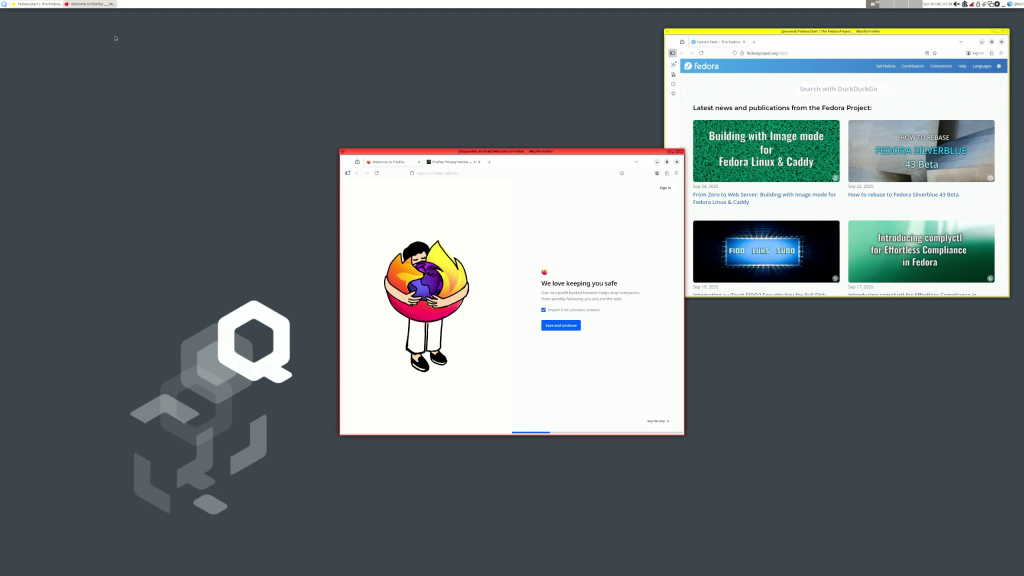
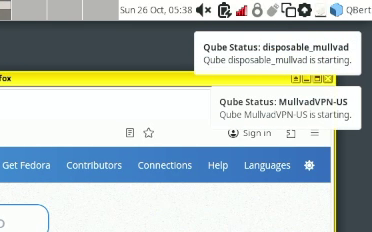
Cool tricks like having a Firefox session that remembers all my personal settings, history, plugins, and so on while running another session that remembers nothing. But I can the comments now – “So what? Big deal, that can be done with a private window” which is true, but this forgetful Firefox that remembers nothing has a special trick. When I start the forgetful Firefox (that is Firefox running in a disposable qube that resets to a clean copy on every restart), another qube is started to provide the internet for forgetful. That other network qube starts up and automatically begins running a VPN connection so the forgetful Firefox and ONLY the forgetful Firefox is running through a VPN connection.
Firefox is not the only thing you can run inside a qube, and a disposable qube that starts a VPN qube is more complicated than most people would run, but the concept is similar; multiple little “worlds” of applications that can only interact with other applications in that little world. For instance, in the image below, all of these applications in Yellow will all run in the “Personal” qube and keep all those settings and options isolated to just those applications. This isolation is great for testing things OR maintaining different levels of anonymity.
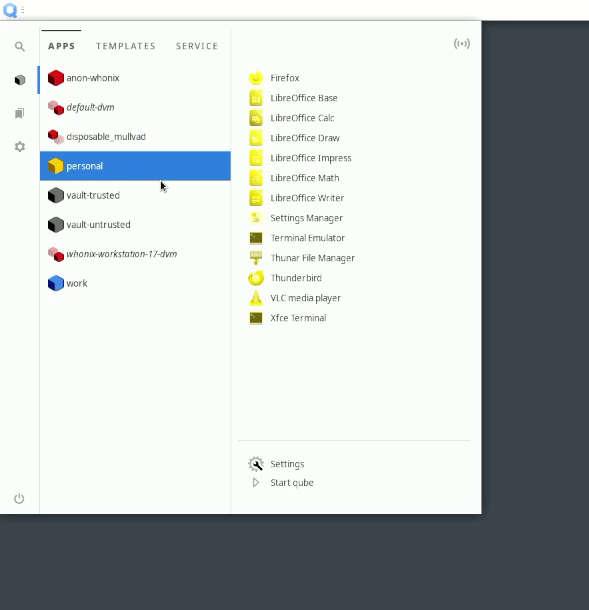
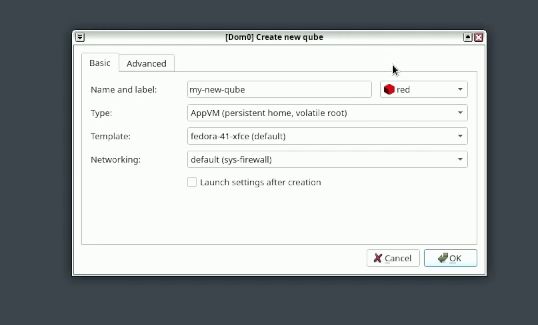
You are not limited to the qubes that are created at install time either. In the event you want to have a completely different little world, say for testing or research, then you can create a different, custom qube that has a specific set apps for just that situation.
Qubes OS is not too great for gaming and and, in my experience, playing very high quality videos will likely studder since most of the system is a bunch of virtual machines (and resources are shared between those virtual machines. So if you want to be paranoid about privacy or security you might want to take a look, and if you want to be ULTRA paranoid the installer provides options to encrypt the hard drive at install time.